
← back to projects@APDCA
Back in 2018, APDCA promoted its first convention for members and non-members. We were receiving registrations for the event through a form on APDCA site, that the administrative services would then follow up with confirmation and sending of the payment invoice.
As this would be one of several events in future, I created an application to manage this events registrations as I could then use the same platform to create another application (sidekick) to check in and verify at the time of the event by reading the QRCode on the tickets. The application auto-completed the member’s data (if he was a member) and typified the ticket (if it was staff, press, guest, if he needed parking, etc.)… It allowed keeping track of which registrations were confirmed, if it had already been sent invoice, etc. Finally, it allows, with a click, to send the email with the auto-generated PDF of the ticket with the QRCode and details of the event to the subscriber.
As sidekick apps for the “APDCA Eventos”, some were created…
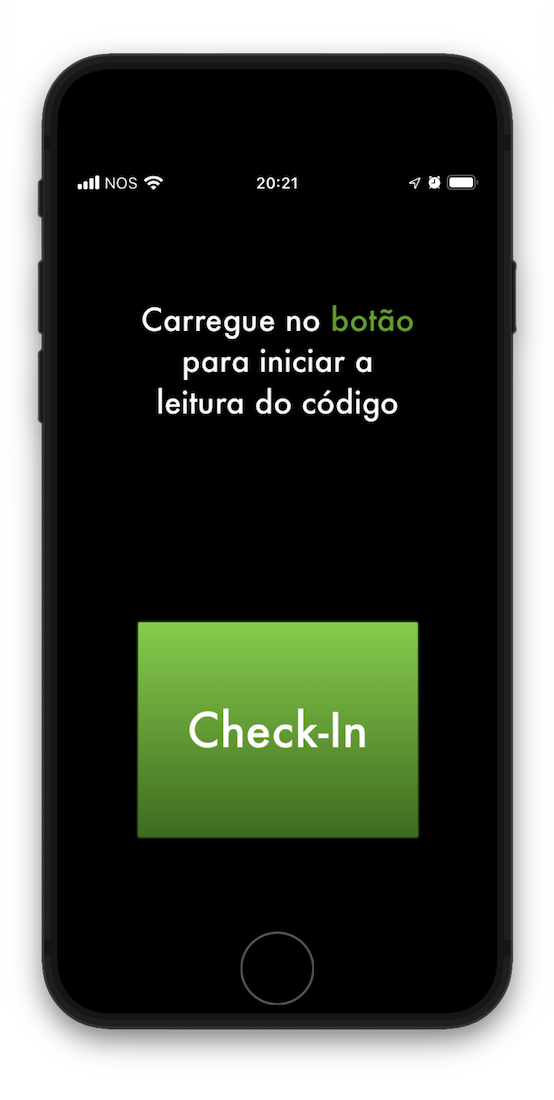
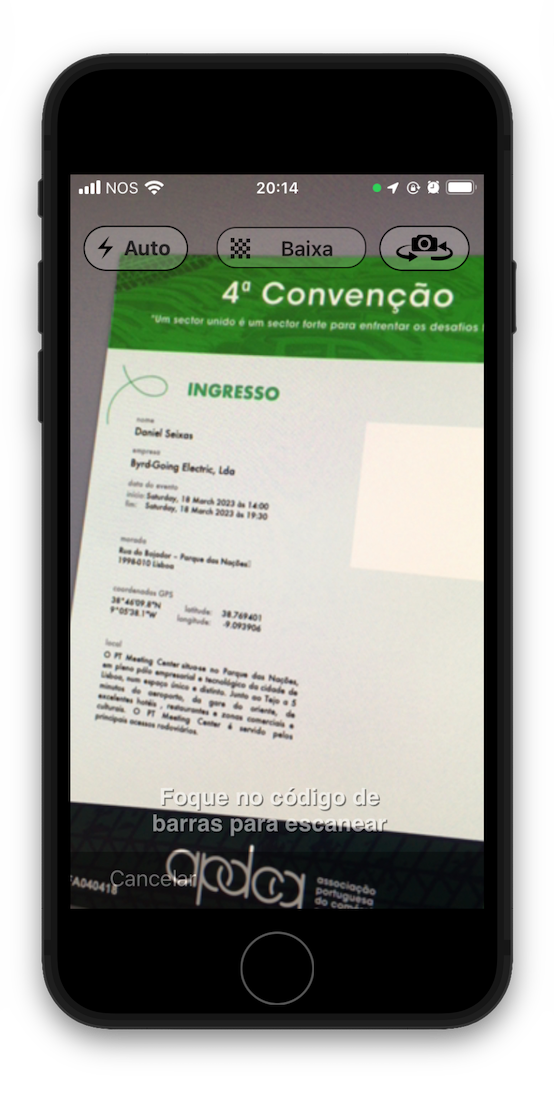
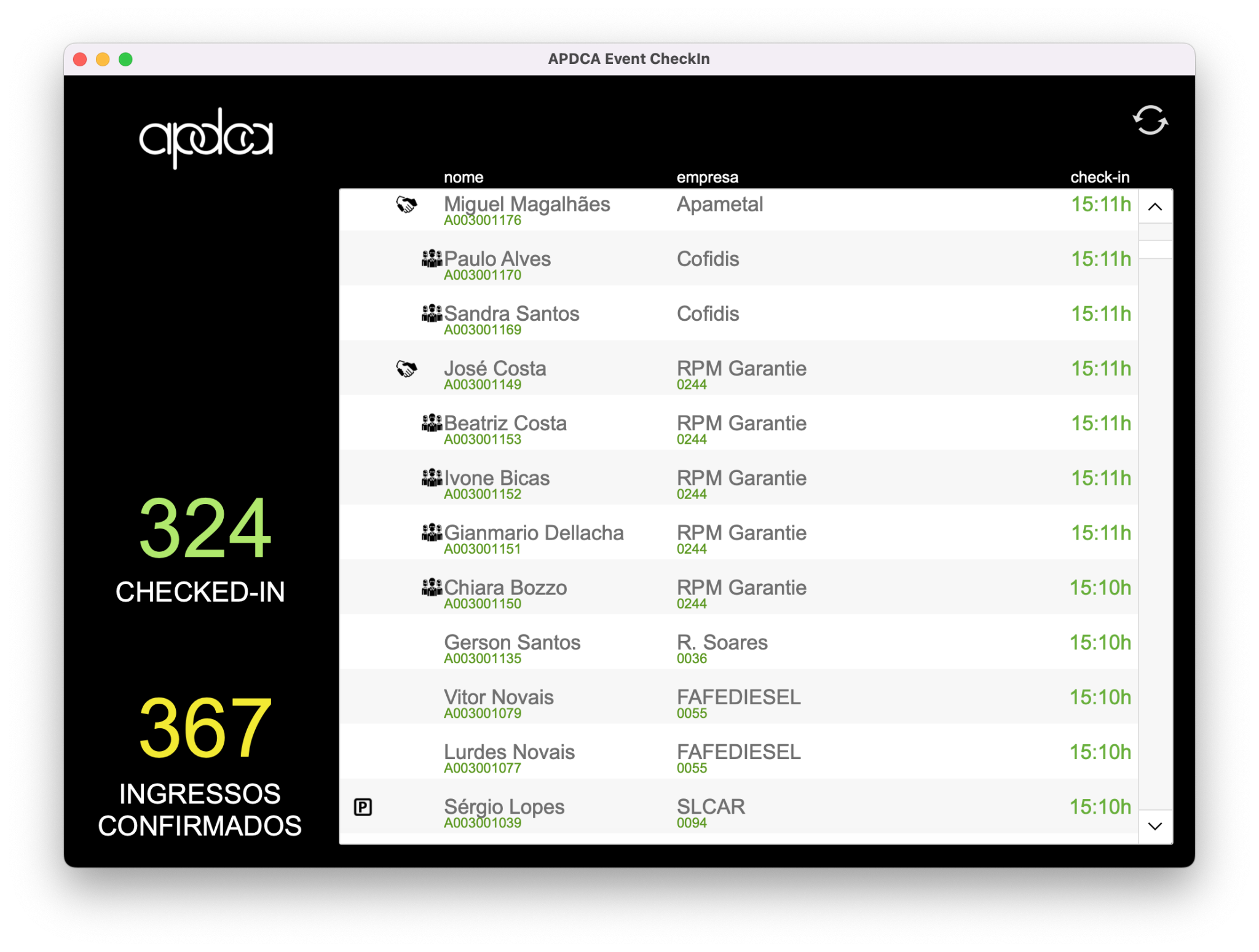
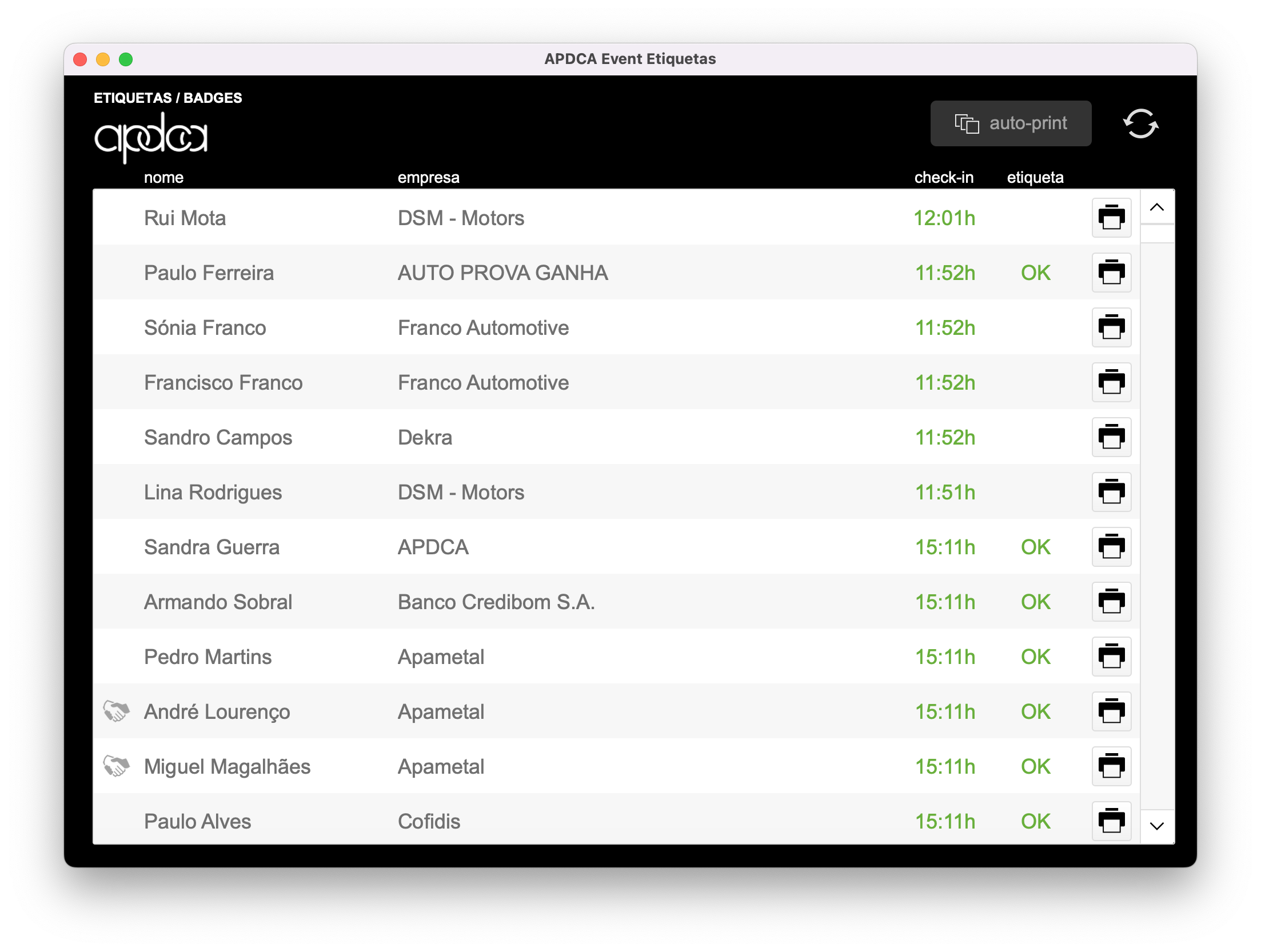
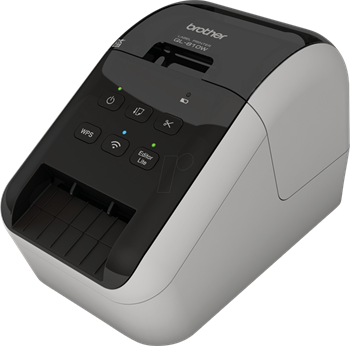
APDCA Event CheckIn: Depending on what type of device the app is running, it could be a real-time monitor of check-in entries or it could be a QRCode reader for tickets. As QRCode reader, it could be run on any number of iPhones or iPads at the check-in desk reception. Reading QRCodes from the ticket, validating and registering the check-in on the “ADPCA Eventos” database, then immediately allowing the printing application (sidekick) “APDCA Event Etiquetas” to print the label for the badge if we were using real-time printing. The time from QRCode reading and the final print on the Bother QL-810W usually take from 1s to 3s max.
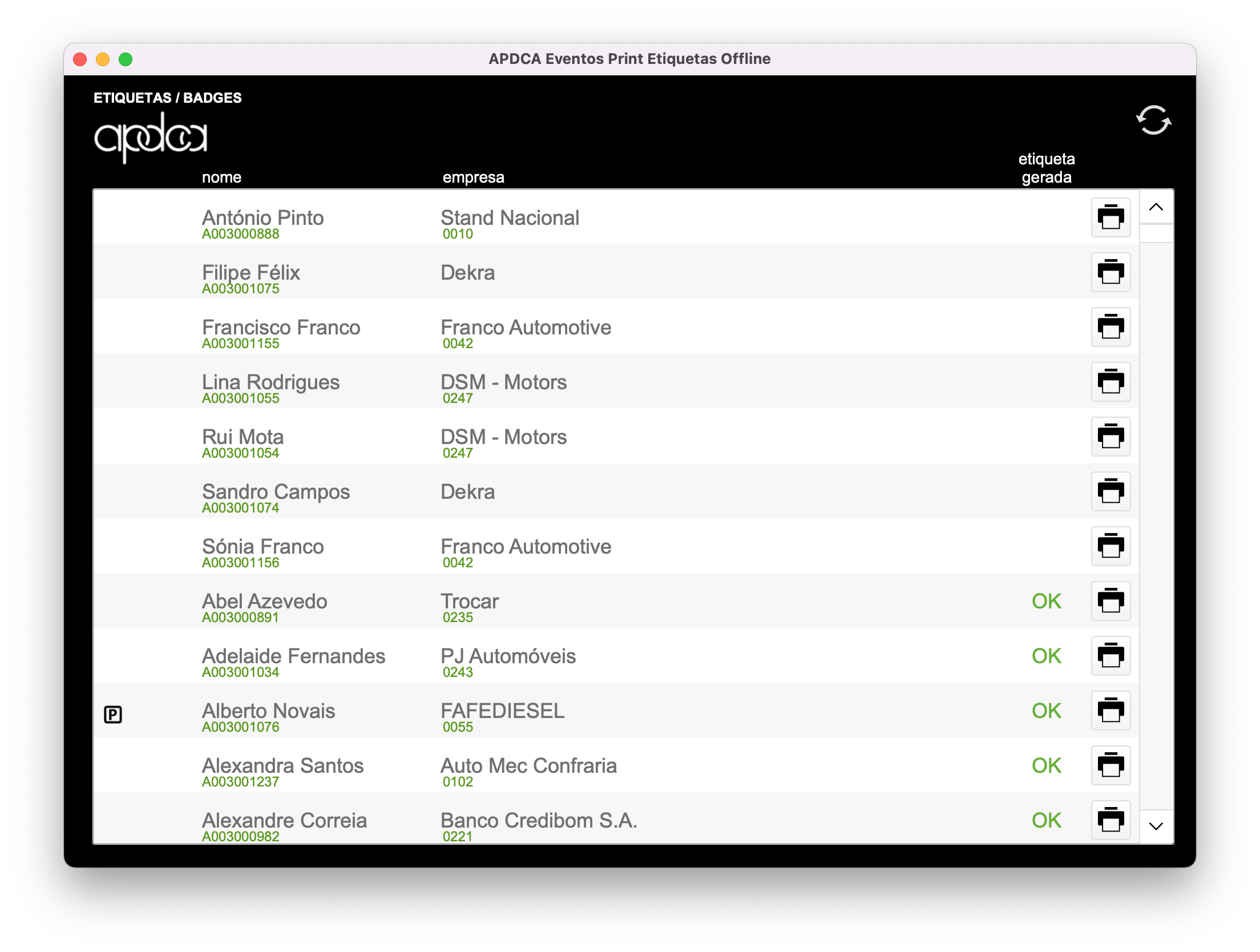
APDCA Event Etiquetas: Another application (in fact they are two similar ones) is to print labels in real time for participant badges. This printing could be done in real time when at check in, during the QRCode reading process. Or alternatively, the version for offline printing, if we wanted to print all the labels beforehand and not on the day of the event.
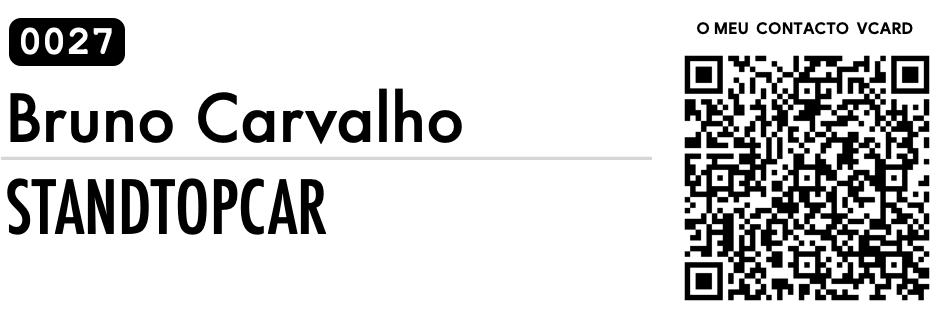
These badges also had a QRCode which, when scanned, was actually a VCard / VFC, thus allowing the exchange of contacts when participants were networking or allowing sharing the contact.
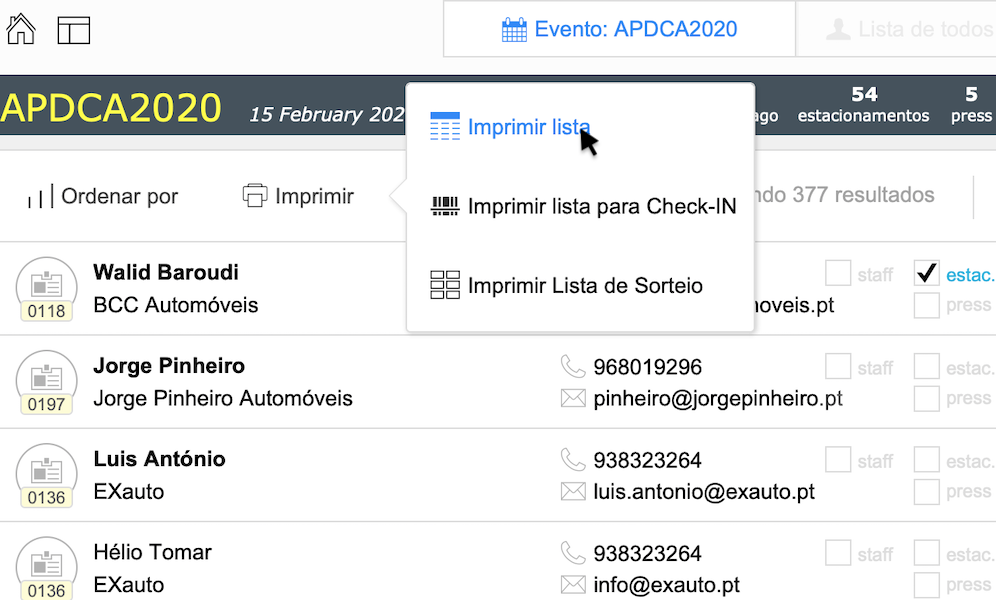
The application allows you to print a fail-safe list as well; therefore, in case of failure, we can still check ticket entries manually. I was also asked to generate tickets for a raffle through subscribers, so that option was created as well.
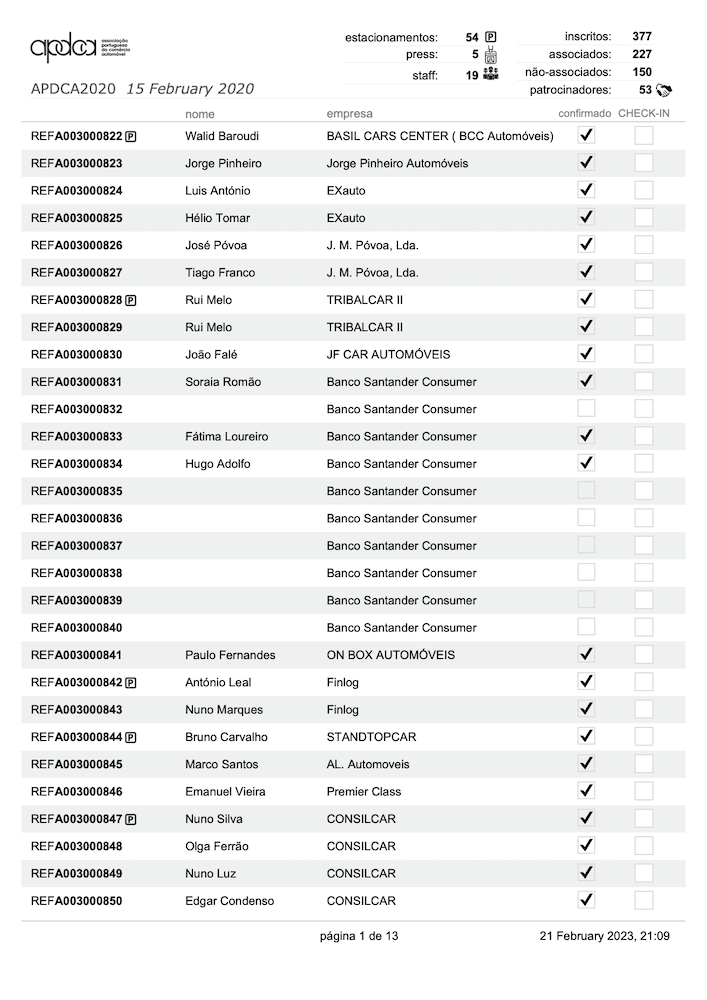
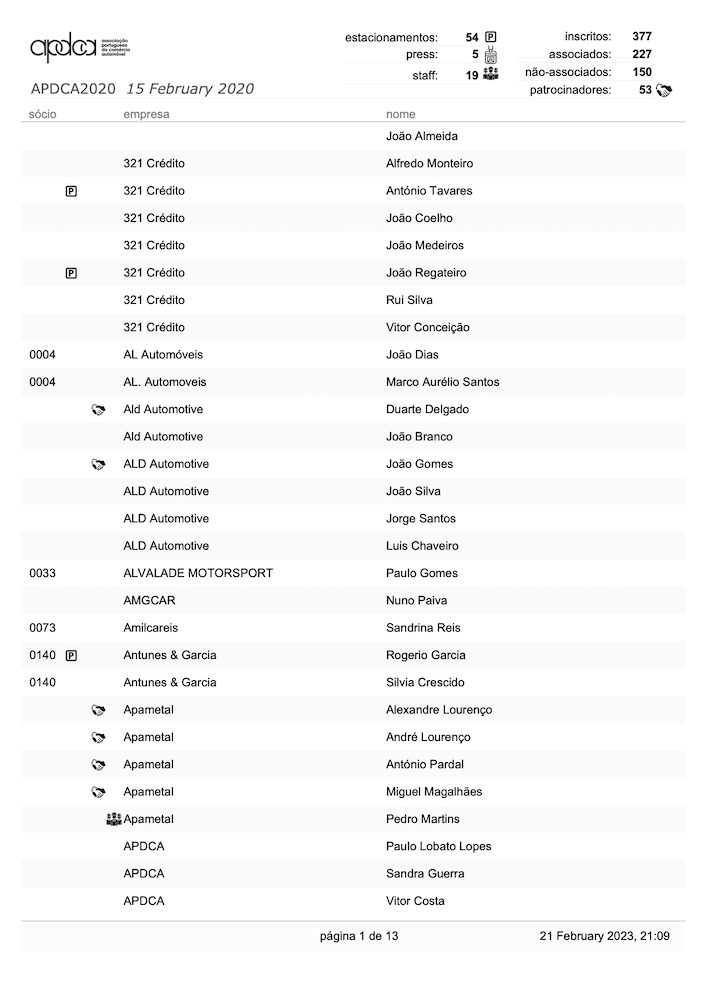
Did I mention that I like to build reports and dedicate my aesthetic sense to them?